How to Create a QR Code for SMS (Send Text Message Instantly)
Published on · 6 min read · Written by OnlineQRCodeGen Team
Create SMS QR Code Instantly (No App Required)
Generate an SMS QR code that opens the messaging app with a prefilled phone number and message. Perfect for marketing campaigns, customer support, and quick communication — works on all smartphones.
- ✔ Prefill phone number & message automatically
- ✔ Works on Android, iPhone & all modern devices
- ✔ Ideal for marketing, support & lead generation
- ✔ Instant download — no signup required
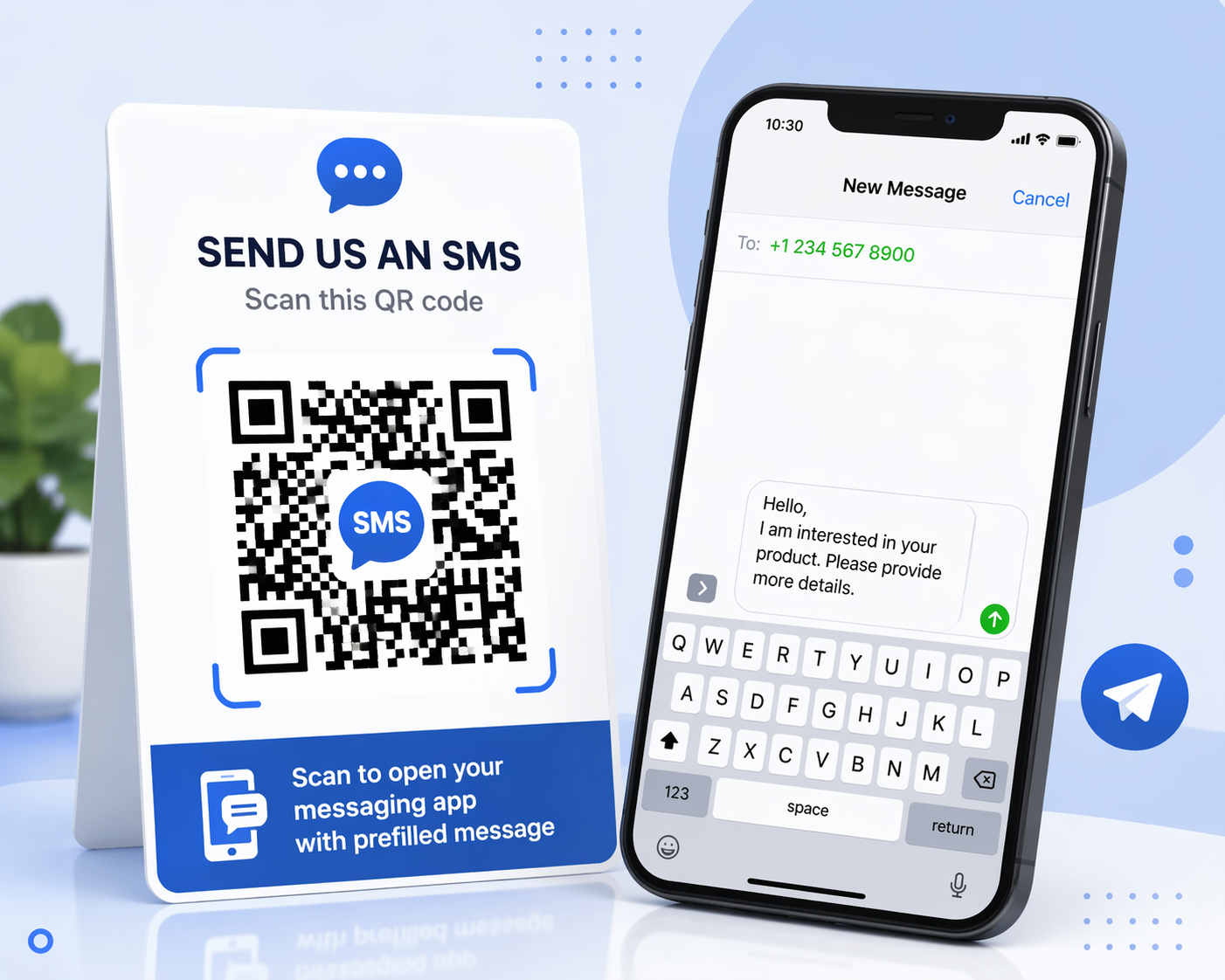
An SMS QR code allows users to send a text message instantly without typing. Simply scan the code and the message app opens with your number and message prefilled. This improves response rates and simplifies communication for businesses and individuals.
Try our SMS QR Code Generator to create text message QR codes instantly. You can also explore phone call QR codes, UPI payment QR codes, and location QR codes for different use cases.
Want users to send you a message instantly without typing your number? An SMS QR code allows people to open their messaging app with a pre-filled phone number and message.
This is perfect for customer support, feedback collection, marketing campaigns, and quick communication.
What Is an SMS QR Code?
An SMS QR code contains a special message link. When scanned, it opens the messaging app with your phone number and a pre-written message.
SMS QR Code Format (Technical)
SMSTO:+911234567890:Hello, I want to know more about your service
This format works on most smartphones and messaging apps.
Steps to Create an SMS QR Code
- Open SMS QR Code Generator
- Enter phone number (with country code)
- Enter your message
- Click Generate
- Download your QR code
- Share or print it
Where to Use SMS QR Codes?
- Customer support requests
- Feedback collection
- Event registrations
- Marketing campaigns
- Service inquiries
Benefits of SMS QR Codes
- Instant communication
- No typing required
- Improves response rate
- Simple and effective
Best Practices
- Keep message short and clear
- Use proper call-to-action (e.g., “Scan to Message”)
- Always include country code
- Follow QR Code Best Practices
Related Tools
Frequently Asked Questions
What happens when someone scans an SMS QR code?
It opens the messaging app with pre-filled number and message.
Is SMS QR code free?
Yes, you can create it for free.
Can I customize the message?
Yes, you can add any pre-written message.
Does it work on all phones?
Yes, most smartphones support SMS QR codes.